How to Set Password on HUAWEI U8825D Ascend G330D
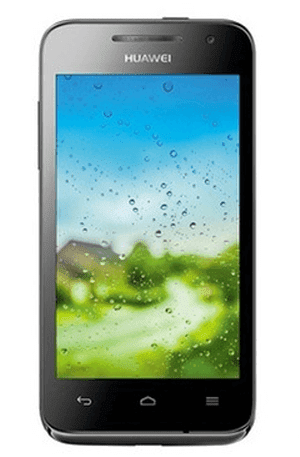
To set a password to secure your HUAWEI U8825D (also referred to Ascend G330D) phone, you can follow the procedures below. 1. Go to Settings . 2. Find and open Security . 3. Select Screen lock . 4. Choose Password to go on. 5. Input a password and click Continue . Note : Make sure the password contains at least 4 characters, including at least 1 letter. 6. Re-input the password and choose OK . Related Articles : Huawei Android USB Drivers How to Set Password on HUAWEI U8818/Ascend G300 How to Set Password on HUAWEI Honor 3X How to Set Password on HUAWEI Honor 3C How to Set Password on HUAWEI Ascend P6/P7